- AI Search & Visibility
- Customer Journey
Who’s reading your business now? Hint: not people.
AI is reading about your business now, often before your customers do. Here’s what changed in NZ, what the AI actually reads, and a 15-minute test you can run this week.
By Juliet Yee8 min read
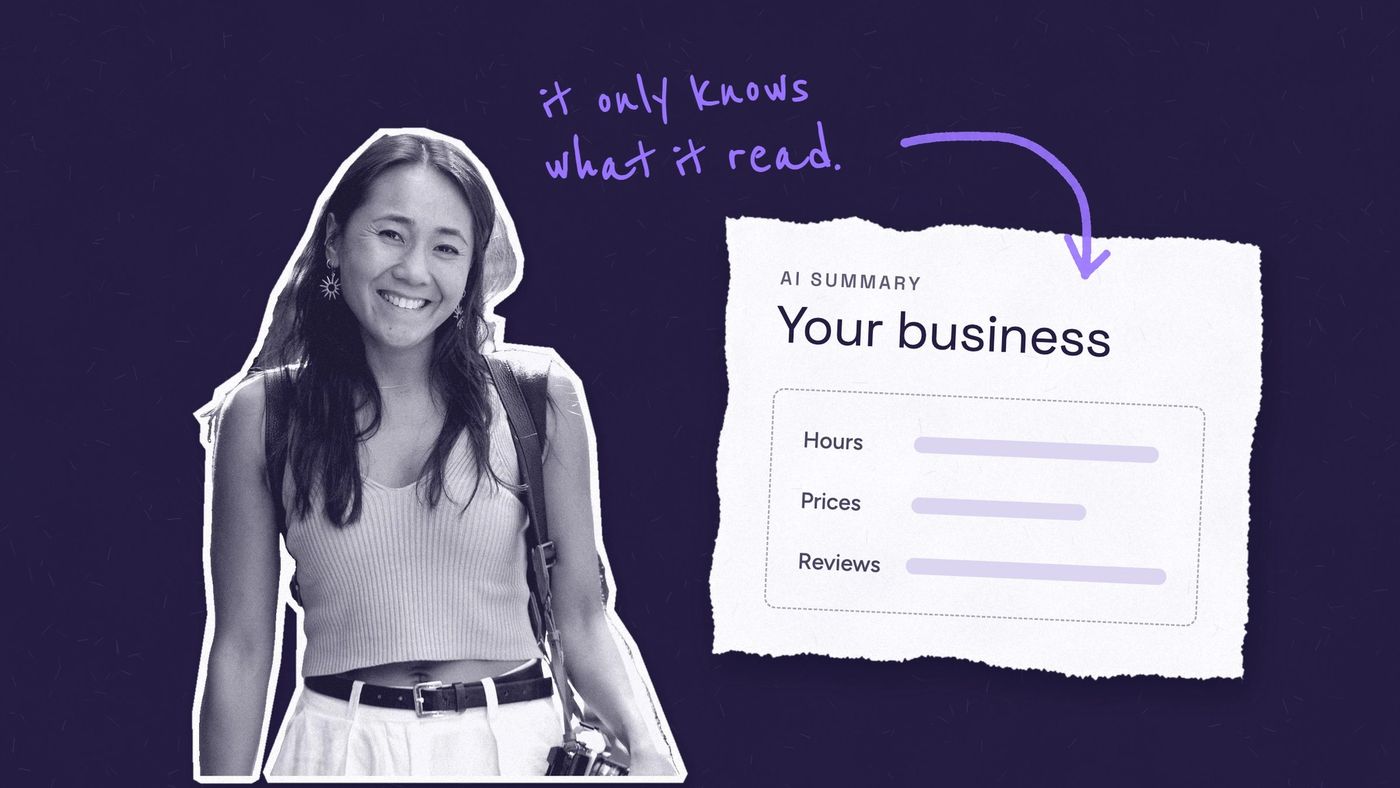

Before a customer meets your business, they increasingly meet an AI summary of it. You can’t control what that summary says. You can control what it reads.
That’s the shift.
For years, a customer saw your website, your photos and your tone. Now a middleman often stands in between: Google’s Gemini, Gmail, ChatGPT, a payment tool that books on someone’s behalf. Each one reads the facts about your business, then writes its own version.
At Done By Nine, it’s now one of the first things we check in a business’s marketing. By the end of this article, you’ll have a 15-minute test you can run this week, and a clear rule for where to spend your time.
What’s changed for NZ businesses?
Four things have landed recently, and each one puts an AI sentence between you and your customer.
- Ads inside AI answers: Google ads already show inside AI Overviews in New Zealand, and on 28 October 2026 Google announced them for AI Mode here too. Google says some of these ads can carry a short Gemini-written explainer about how the ad fits the search. That’s Google writing a sentence about you, next to the ad you paid for.
- Gmail summaries: Gmail now puts a Gemini-written summary at the top of long email threads, including on free accounts worldwide. Your customer can read the summary instead of your email. The only way to turn it off is to turn off Gmail’s smart features. Plenty won’t bother.
- Review summaries: in Australia, Google search ads can now carry an AI-written summary of a business’s reviews, and the business can’t edit it. It isn’t in New Zealand yet.
- AI-made purchases: in February 2026, Mastercard and Westpac completed New Zealand’s first AI-made purchases: cinema tickets and a Queenstown hotel room. It was a demonstration, not something Westpac customers can do yet. But it worked.
None of these need a customer to visit your website first. That’s the point.
Kiwi shoppers are already heading this way. PwC New Zealand surveyed 1,000 New Zealanders who had used AI for shopping in the past year. Of those, 44% said AI had cut how much they use search engines when researching purchases. AI tools were already their third most-used research channel, behind only search engines and retailer websites or apps.
What does an AI summary actually read?
Facts, not feelings. It doesn’t see your branding, your tone or your nice photos. It reads prices, opening hours, reviews, services and the first line of your email.
Then it writes its own version. Think of a mate who’s never been in your shop but gets asked about it. He’ll go off whatever he’s read: your website, your listings, your reviews. If that reading is thin, out of date or contradictory, he’ll still answer. Confidently.
So a thin source makes a thin summary. Say a New Plymouth cafe changed its hours in September and updated its website, but never touched one directory listing. Now the AI has two answers and has to pick one. If it picks the old one, that’s a customer at a locked door.
A plumber whose reviews all say “great job” will be summarised as “a plumber with good reviews”. Nothing wrong with that. Nothing that sets the plumber apart, either.
We covered the bigger picture in The Decision Zone. This one is the hands-on part: three checks you can run this week.
The middleman test: three checks, 15 minutes.
The middleman test shows what an AI summary of your business would work from. Each check takes about five minutes. You don’t need a developer or a budget.
Check 1: Can AI actually read your website?
Start here, because every other fix in this article assumes AI can read your site. If it can’t, updating your prices or hours won’t reach it.
Type your web address into a browser and add /robots.txt on the end, like yourbusiness.co.nz/robots.txt. This short file tells crawlers, the bots that read websites, where they can and can’t go. Look for these names: OAI-SearchBot, Claude-SearchBot, PerplexityBot, GPTBot and ClaudeBot. If one of them sits above a line that reads “Disallow: /”, that tool is being told to stay off your whole site.
The ones that matter for being found are the search crawlers. OAI-SearchBot finds pages for ChatGPT search, and OpenAI says sites that block it won’t be shown in ChatGPT search answers. Claude-SearchBot does the same job for Claude, and PerplexityBot for Perplexity.
GPTBot and ClaudeBot are different. They collect content to train AI models, and OpenAI says blocking GPTBot doesn’t keep you out of ChatGPT search. Some businesses block the training bots on purpose, and that’s a fair call. Blocking a search crawler by accident isn’t.
Still with me? Short version: keep the search crawlers open.
Then ask whoever manages your website one question: do we use Cloudflare, and if so, which AI crawlers does it block? Cloudflare sits in front of a lot of websites and has its own AI crawler settings. A block there stops the bots before they reach your site, even when robots.txt says nothing about them. Cloudflare has asked new sites whether to let AI crawlers in since July 2025, and its defaults have changed more than once since. So it’s worth asking.
Say that a few years ago you asked your web developer to block bots to cut down on spam. Nobody has looked at it since. You update your prices, and ChatGPT search never sees them. Reading the file takes two minutes. Fixing it is usually a five-minute job for whoever manages the site.
Check 2: What do your reviews say about you?
Read your last 10 Google reviews. Sum them up in one sentence. Then ask yourself: is that what you want to be known for?
This matters because AI review summaries are already live in Google search ads in Australia, and businesses can’t edit them. Google’s help page lists four markets: the US, UK, Australia and India. New Zealand isn’t on the list yet. We’re rarely far behind our neighbours across the ditch. Google brought its ads in AI Mode to Australia and New Zealand in the same announcement on 28 October.
Google says the summary pulls positive comments from reviews across the web, so it’s built from whatever your customers wrote. If most reviews say “friendly and quick” but you want to be known for fixing hard jobs, the summary won’t mention the hard jobs.
The fix is simple. Ask your happy customers to mention the specific thing you’re good at. “Could you mention what we fixed, and how long it took?” gets a better review than “please leave us a review”.
Check 3: Can ChatGPT book or buy what you sell?
Open ChatGPT and ask it to book or buy what you sell, in your town. For example: “Book a haircut in New Plymouth this Saturday” or “Find a plumber in Tauranga who can fit a hot water cylinder next week.”
Then check three things. Did it get your prices right? Did it get your hours right? Did it find your booking link?
If any answer is wrong, don’t argue with ChatGPT. Fix the source. That means your website, your Google Business Profile and your directory listings. Why ChatGPT Isn’t Talking About Your Business goes through where AI tools pick up their facts.
We ran this test on Done By Nine itself. We asked ChatGPT for our hours, our prices, and whether it could book a call with us directly. The hours were slightly wrong. The prices and the rest were accurate. It couldn’t book the call itself and sent the person to our website, which is exactly how we designed it.
Slightly wrong hours is a small miss. It’s also the kind of miss a customer acts on. We’ve since fixed the hours at the source.
Fix the source once, not every AI tool.
Google’s AI answers, Gmail summaries, ChatGPT and AI shopping tools all read the same few places: your website, your Google Business Profile, your reviews, your directory listings and your emails. Keep those accurate and every middleman gets better, including the ones that launch next month.
When AI answers before anyone clicks, fewer people visit your website. Where Did All Your Website Traffic Go? explains what to do about that. Your website still matters. It now also feeds the summary.
Prefer to listen? Our workshop on getting your business seen by AI goes deeper on the technical side, and on why what other websites say about you counts.
Quick answers about AI summaries.
Can I edit what Google’s AI says about my business?
No, not directly. Google writes the AI explainer next to your ad, and in Australia the AI review summary, and businesses can’t edit either. What you can edit is the source material: your website, your Google Business Profile and your reviews.
How long does AI take to update after I fix something?
Not overnight. Google says edits to a verified Business Profile usually take up to 10 minutes to review, though some take up to 30 days. Google can take a few days to a few weeks to recrawl a changed web page, and AI tools don’t publish their own timelines. Fix the source, then run the ChatGPT check again in a week or two.
Could my website be blocking AI from reading it?
Yes. ChatGPT search reads websites through OpenAI’s search crawler, and if your website blocks that crawler, ChatGPT search can’t show your pages. Correcting the wording on your site won’t help until the block is lifted. Ask whoever manages your website to check.
How often should I run the middleman test?
Every three months, and whenever your hours, prices or services change. It takes about 15 minutes. If your hours change with the seasons, like a cafe or a tourism operator, run it before each season starts too.
What if my business only has a Facebook page?
Then AI has one source to read, and Meta controls it. Facebook is rented land. A Google Business Profile and a simple website give AI tools more than one place to check, and you control both. Start with the Google Business Profile, because it’s free.
The bottom line.
A customer’s first impression of your business is increasingly an AI summary, not your website. You can’t control what AI says about you. You can control what it reads.
Run the middleman test: check AI can read your website, read your last 10 reviews, and ask ChatGPT about your prices, hours and booking link. Fix any wrong answers at the source.
This week’s job: open your robots.txt and check nothing is blocking OAI-SearchBot.